
Notes from the Desk · No. 09
Check Your Website on a Phone in 15 Minutes
Most of your visitors meet your website on a phone. Grab yours, set a timer, and run this 15-minute check tonight. No tech skills needed.
Here’s an uncomfortable habit most business owners share: they check their own website on a laptop. They built it on a laptop, approved it on a laptop, and they still pull it up on a laptop to show friends.
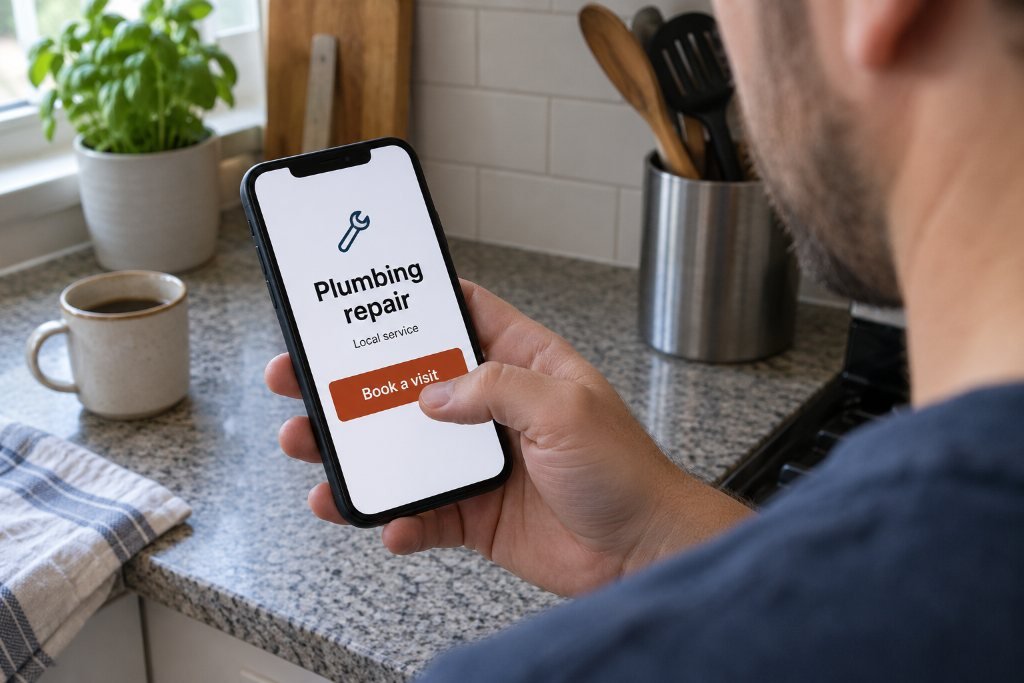
Their customers don’t. A homeowner with water on the floor searches on a phone. A bride-to-be scrolls salon pages on a phone in bed. A couple choosing a restaurant does it on the sidewalk. For most local businesses, the phone isn’t a secondary version of the website. It is the website.
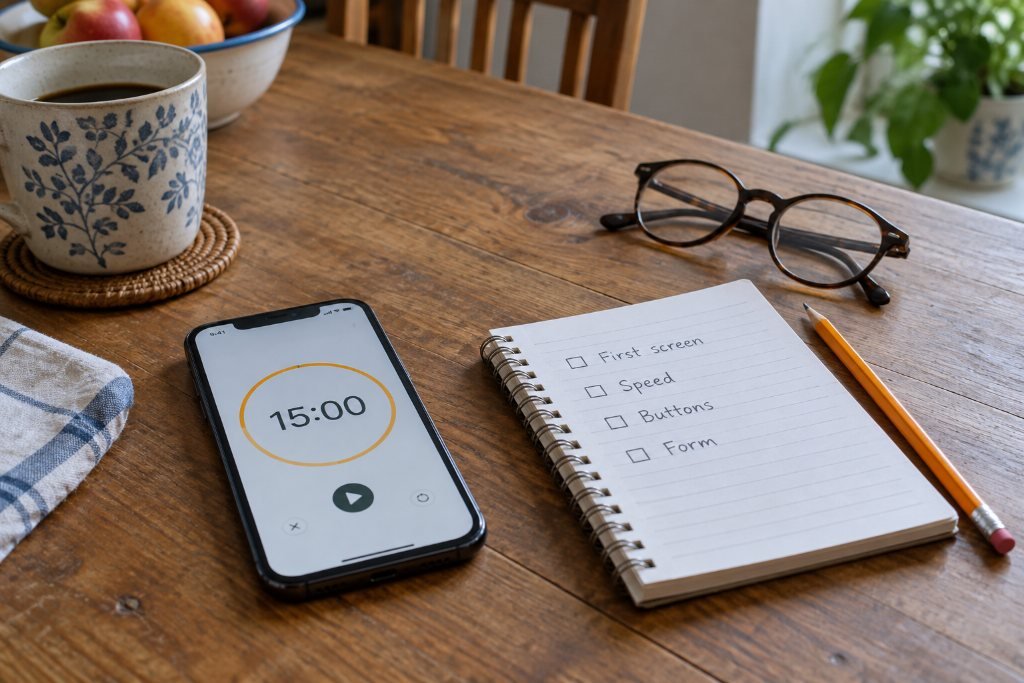
So tonight, try this. Pick up your phone, set a 15-minute timer, and walk through your own site as a stranger would. You need no tools beyond the phone and a notepad. Write down every moment that annoys you, because it annoys your customers too.
Minute 1 to 3: The first screen
Open your browser, search your business name the way a customer would, and tap through to your site. Don’t type the address directly. You want to arrive the way they do.
Now look at the first screen only, without scrolling. Ask:
- Can you tell what the business does, and where, without scrolling?
- Can you read the headline without squinting?
- Is there a button or phone number visible, or does a giant photo eat the whole screen?
- Did anything pop up and cover the page before you could read a word? A newsletter box, a chat bubble, a cookie banner that fills half the screen?
Pop-ups that cover the content on arrival frustrate visitors on small screens. If you use one, delay it or make it small enough to ignore.
Minute 3 to 5: Speed
Close the tab, turn off Wi-Fi so you’re on cellular data, and load the site again. Count out loud.
If the page sits blank or keeps shifting for more than a few seconds, people leave. You can get a more precise read from Google’s free PageSpeed Insights tool, which tests your page and lists what’s slowing it down. The usual culprits are easy to name: huge photos uploaded straight from a camera, too many plugins, auto-playing video and heavy font files.
Watch for one more thing while it loads: does text jump around as images pop in? That shuffling, where you go to tap a link and the page moves under your finger, usually means images were added without set dimensions. It’s a quick fix for whoever manages your site.
Minute 5 to 8: The thumb test
Hold the phone in one hand, the way you would standing in line, and use only your thumb.
- Tap the menu. Does it open smoothly? Can you close it again easily? Can you reach every link?
- Tap every button on the homepage. Did each one go where its label promised?
- Look at button size. Apple’s design guidelines recommend tap targets of at least 44 by 44 points, roughly the size of a fingertip. Links squeezed together in a line of small text are easy to miss and easy to mis-tap.
- Tap your phone number. It should open the dialer with the number filled in. If it doesn’t, the number is just text, and you’re asking customers to memorize it and retype it. That one fix alone can bring in calls.
- Tap your address. Ideally it opens a map with directions.
Minute 8 to 11: Read like a customer
Scroll the homepage slowly from top to bottom.
- Is the body text comfortable to read without zooming? Paragraph text that looks fine on a laptop often turns tiny on a phone. Around 16 pixels is a sensible minimum for body copy.
- Do paragraphs run long? Three or four lines on a laptop can become a wall of twelve on a phone. Shorter paragraphs read faster.
- Does anything spill off the right edge, forcing you to scroll sideways? Wide tables, big images and embedded maps are common offenders.
- Is there light gray text on a white background? It’s stylish and nearly unreadable outdoors in sunlight. Darker text wins.
- Find your prices, hours and service area. Time yourself. If any of them takes more than a couple of taps, move them closer.

Minute 11 to 14: Try to become a customer
This is the part almost nobody tests. Actually do the thing you want visitors to do.
- Fill out your contact or quote form, start to finish, on the phone. Does the keyboard switch to numbers for the phone field and show the @ key for email? Do the boxes zoom in awkwardly when you tap them? On iPhones, form fields with text smaller than 16 pixels trigger an automatic zoom that throws the layout off.
- Count the fields. Every extra question costs you finished forms. If you ask for a fax number, a company size and “How did you hear about us?” before someone can say hello, trim.
- Submit it. Did you see a clear confirmation? Did the message actually arrive in your inbox? Check spam too. A form that quietly fails is the most expensive bug a small business can have, because you never hear about the customers you lost.
- Try booking or ordering, if your site offers it. Go all the way to the last step before payment.
Minute 14 to 15: Write the top three
Look at your list. Circle the three problems that would stop a customer cold: a phone number that won’t tap, a form that never arrives, a first screen that doesn’t say what you do. Fix those first. Everything else can wait for next month.
Repeat it every season
Websites drift. A plugin updates, a new photo goes up at full size, someone adds a pop-up for a holiday sale and forgets to remove it. Put this check on your calendar once a season, and do it on a different phone if you can. Borrow a friend’s Android if you carry an iPhone, or the other way around. Small differences in screen size reveal surprising problems.
It costs nothing but fifteen minutes and a little honesty. And it shows you your business the way your next customer is about to see it.
If your list gets long, send us the link. A free redline marks every phone problem we find, in red, with a note on how to fix each one.
Request a Redlinethe notes come to you
Get the next note first.
One note, when it’s ready. Usually monthly. No noise you didn’t ask for, and your email never leaves the studio.
You’re on the list. The next note will find you.
That didn’t go through. Email inquiries@southandstonestudio.com and we’ll add you by hand.