
Notes from the Desk · No. 10
Build a One-Page Brand Kit Before Anyone Builds You a Website
Your logo is not your brand, but a one-page brand kit keeps everything consistent. What goes on it, how to make one, and the mistakes to skip.
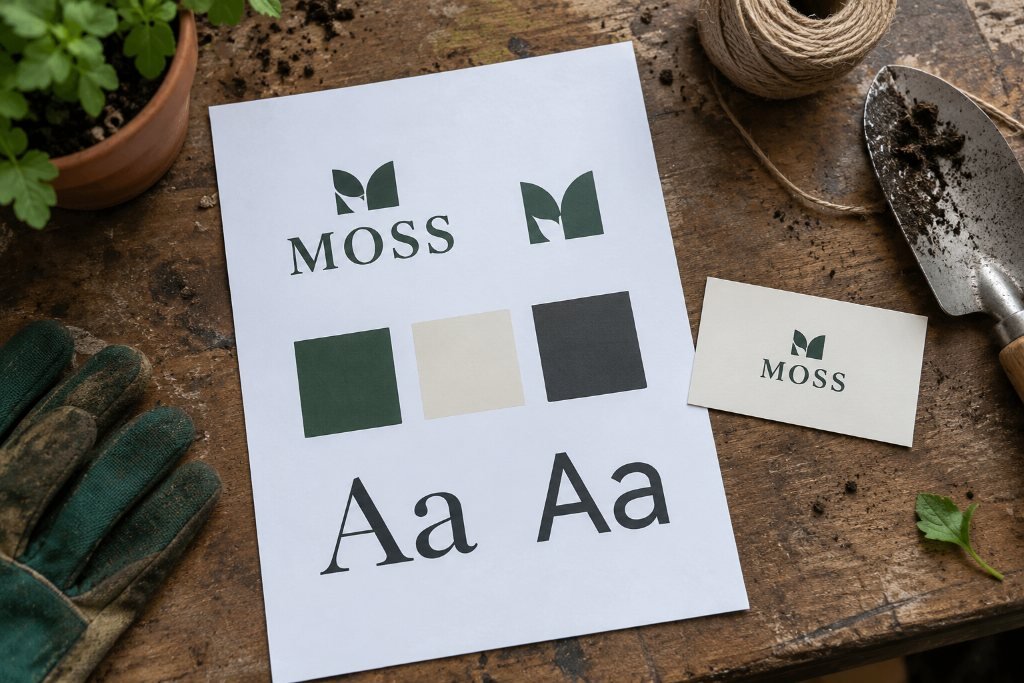
Line up everything your business has ever printed or posted. The van wrap, the business cards, the Facebook cover, the sandwich board out front, the invoice template, the website. Look at them side by side.
For most small businesses, that lineup looks like it came from six different companies. The logo is stretched on one, squished on another, blue here and navy there. One flyer uses a script font your cousin liked. The website uses whatever the template came with.
None of those pieces is terrible on its own. Together, they quietly tell customers the business doesn’t have its act together, even when the work itself is excellent. The cure isn’t a fancy rebrand. It’s a single page that everyone who touches your brand, including you, follows every time.
We call it a brand kit. Here’s how to build one.
What a brand kit is, and isn’t
A brand kit is a one-page reference: your logo files, your colors, your fonts and a few rules for using them. Big companies call theirs brand guidelines and stretch them to eighty pages. You need one page, maybe two.
It isn’t your brand. Your brand is what people say about you when you’ve left the room: how you answer the phone, whether you show up on time, how the finished job looks. The kit just makes sure everything you put out looks like it comes from the same trustworthy place. Consistency is a small daily signal that you’re careful, and careful is what people want to hire.
Part 1: The logo, in the versions you actually need
Most owners have one logo file, usually a JPEG pulled off an old website, with a white box around it. That one file has to work on a black truck door, a tiny Instagram circle and a white invoice, and it can’t.
You want a small set:
- Primary logo. The full version, for the website header, signs and printed pieces.
- Stacked or compact version. For tight spaces and square formats.
- Icon or mark. Just the symbol or initials, for social profile pictures, the browser tab icon and embroidery.
- One-color versions. All black and all white, for single-color printing, engraving, and putting the logo on photos or dark backgrounds.
And you want them in the right formats:
- SVG or PDF (vector): scales to any size without blurring. Printers and sign shops will ask for this.
- PNG with a transparent background: for the web, social posts and documents.
If you only have a JPEG, ask whoever designed the logo for the original vector file. If that’s impossible, a designer can redraw it. It’s one of the most useful small investments a business can make.
Add two rules under the logo: leave clear space around it (a common rule of thumb is the height of one letter in the logo on all sides), and don’t stretch, recolor, outline or add effects to it. Ever.
Part 2: Colors with real numbers
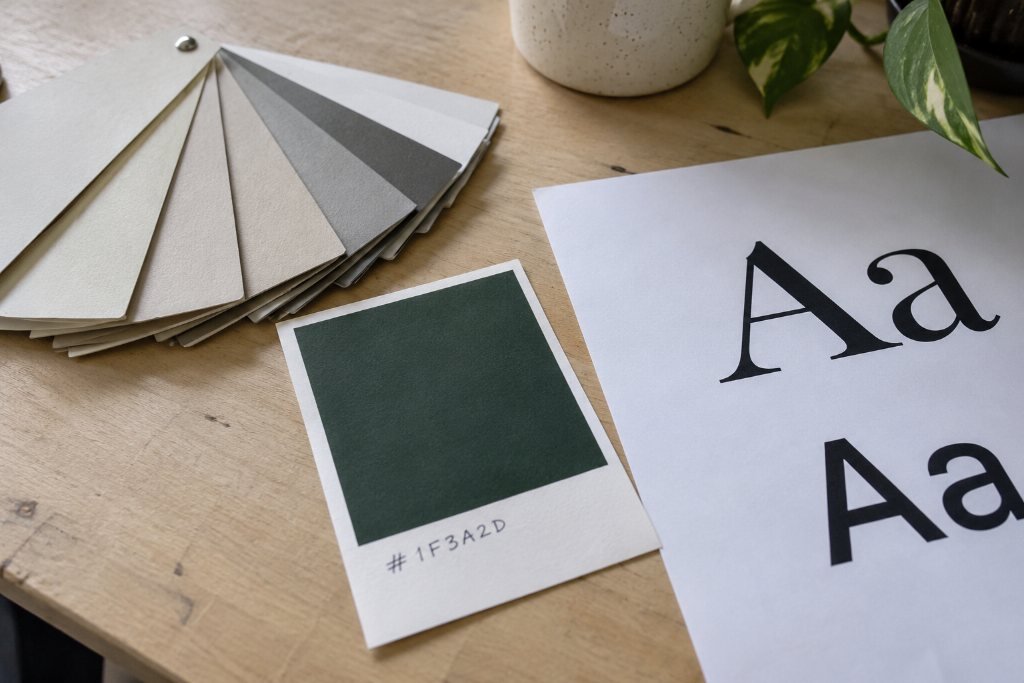
“Our color is green” isn’t enough. There are thousands of greens, and your printer, your web designer and your embroidery shop will each pick a different one. Give every color its exact codes:
- HEX (like #1F3A2D) for websites and digital graphics
- RGB for screens and some software
- CMYK for printed pieces
- Pantone if you print signs, shirts or packaging and need precise matching
Keep the palette small. One or two main colors, one accent and a couple of neutrals (an off-white, a dark gray or near-black) cover almost everything. More than that and things start to look busy again.
Write down where each color goes. Your accent color, for example, might be reserved for buttons and highlights only. A rule like that keeps your most important actions easy to spot.
One practical check: make sure your text color and background color have enough contrast to read comfortably. Web accessibility guidelines (WCAG) ask for a contrast ratio of at least 4.5 to 1 for normal body text. Free online contrast checkers will test any pair in seconds. Pale gray text on white and yellow text on white are the usual failures.
Part 3: Two fonts, three sizes
Pick two typefaces, at most: one for headlines and one for body text. Sometimes one well-made family with a few weights handles both. Every extra font makes the whole brand feel less sure of itself.
- Headline font: this carries personality. A sturdy serif can feel established, a clean sans can feel modern, a condensed face can feel strong.
- Body font: this carries reading. Choose something plain and comfortable at small sizes.
Write down the exact names and weights, like “Headlines: [font name] Semibold. Body: [font name] Regular.” so nobody substitutes something close.
A note on licensing: a font installed on your computer isn’t automatically licensed for your website, your app or your logo. Free libraries like Google Fonts allow broad commercial use. Fonts from foundries come with licenses that spell out where you can use them, often separately for desktop, web and other uses. Check before you build a brand on one.
Part 4: A few words about how you sound
A brand kit isn’t only visual. Add three to five words that describe how your business talks, plus a short list of words you avoid.
A landscaper might write: “Plainspoken. Patient. Proud of the details. We say ‘yard,’ not ‘outdoor living solution.’ We never say ‘cheap.’” A med spa might choose: “Calm, precise, reassuring. We explain before we recommend.”
That one line helps you write captions, emails and website copy that sound like the same person every time, even if three different people write them.
Part 5: Show it in use
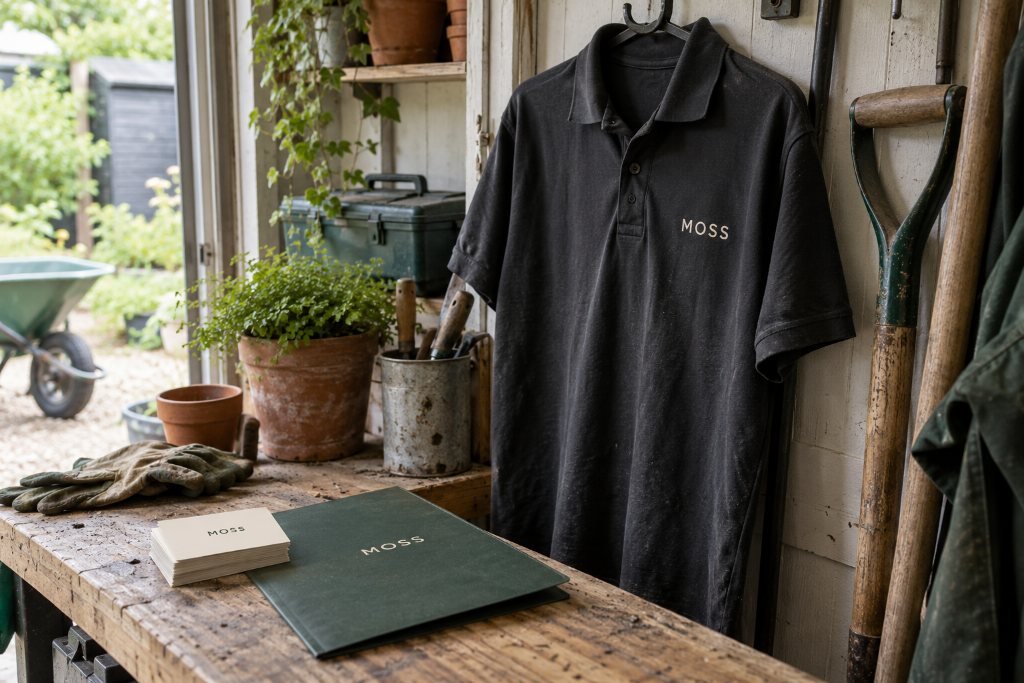
At the bottom of the page, add small examples: the logo on a business card, a sample social post, a button on the website. Seeing the pieces together shows someone in seconds what a paragraph of rules can’t.
Putting it together in an afternoon
1. Gather everything you’ve printed or posted in the last two years. Lay it out, or screenshot it into one folder.
2. Circle what’s working. Usually one version of the logo, one color and one font feel the most “you.” Start from those.
3. Collect your logo files. Chase down the vector original.
4. Find the exact color codes. Your designer or printer may already have them. If not, a designer can match them.
5. Choose your two fonts and confirm the licenses.
6. Write your voice line.
7. Put it all on one page, export it as a PDF and save the logo files in a shared folder.
8. Send the link to everyone who makes things for you: your printer, your sign shop, your web designer, your social media help.
The mistakes we’d skip
- Chasing trends. Gradients and squiggly shapes that look fresh this year look dated in three. Build on simple, sturdy choices.
- Designing only for the screen. Make sure the logo still reads when it’s an inch wide on a pen or stitched on a polo.
- Too many colors. If you need a legend to explain your palette, trim it.
- Never using the kit. A brand kit only works if you open it. Pin it, share it and point to it every time someone asks, “Can you send me your logo?”
A clear brand kit makes every future project faster, cheaper and better, including your website. When we start a site with one in hand, we spend our time on the parts that win customers instead of guessing at shades of green.
Want help pulling yours together? Our brand identity work starts with exactly this page, and the Estimate Desk shows what it costs before you ever pick up the phone.
Try the Estimate Deskthe notes come to you
Get the next note first.
One note, when it’s ready. Usually monthly. No noise you didn’t ask for, and your email never leaves the studio.
You’re on the list. The next note will find you.
That didn’t go through. Email inquiries@southandstonestudio.com and we’ll add you by hand.