
Notes from the Desk · No. 06
Write Your Homepage in the Order People Ask
A customer asks five questions in the same order every time. Here's how to build a homepage that answers them before they leave.
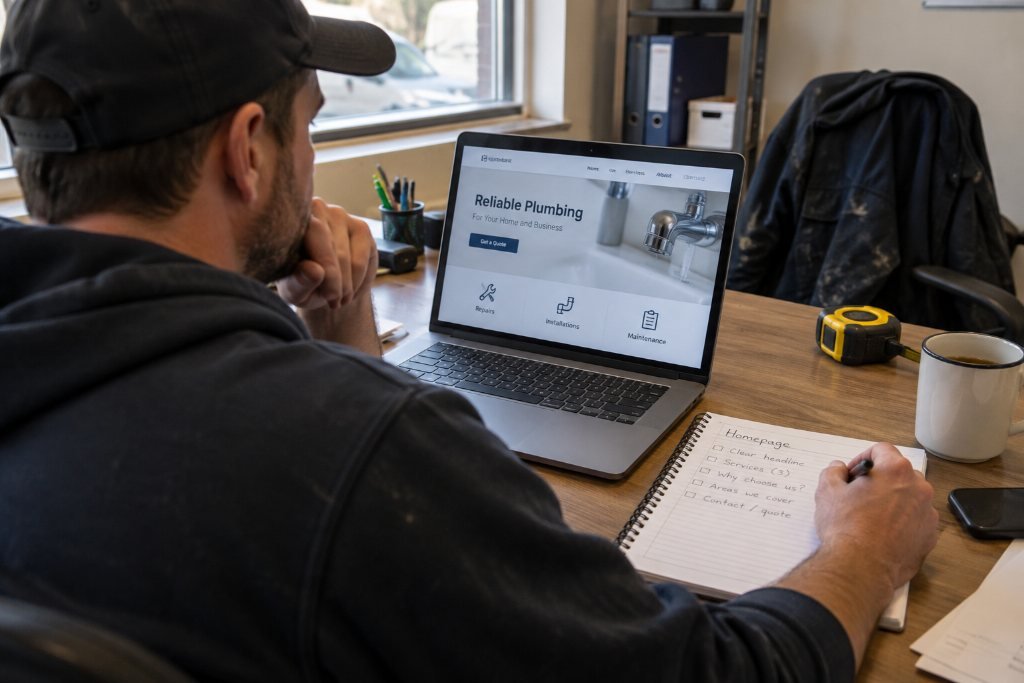
Watch someone call a plumber for the first time. They don’t open with “Tell me about your company’s values.” They ask, in roughly this order: Do you fix this? Do you come out to me? How soon? What’s it going to cost? Okay, how do I book?
Nobody taught them that order. It comes standard. A salon client asks it. A family hiring a realtor asks it. Someone booking a catering tasting asks it. The questions change shape by trade, but the sequence holds.
Most small-business homepages answer those questions in the wrong order, or skip half of them. They open with a slogan, wander into a history lesson, bury the price on another page, and hide the phone number in the footer. The visitor does what any of us would do on the phone with a business that talks like that. They hang up. Online, hanging up costs them one tap.
The fix doesn’t need a redesign. It needs a rewrite in the right order.
The five questions, in order
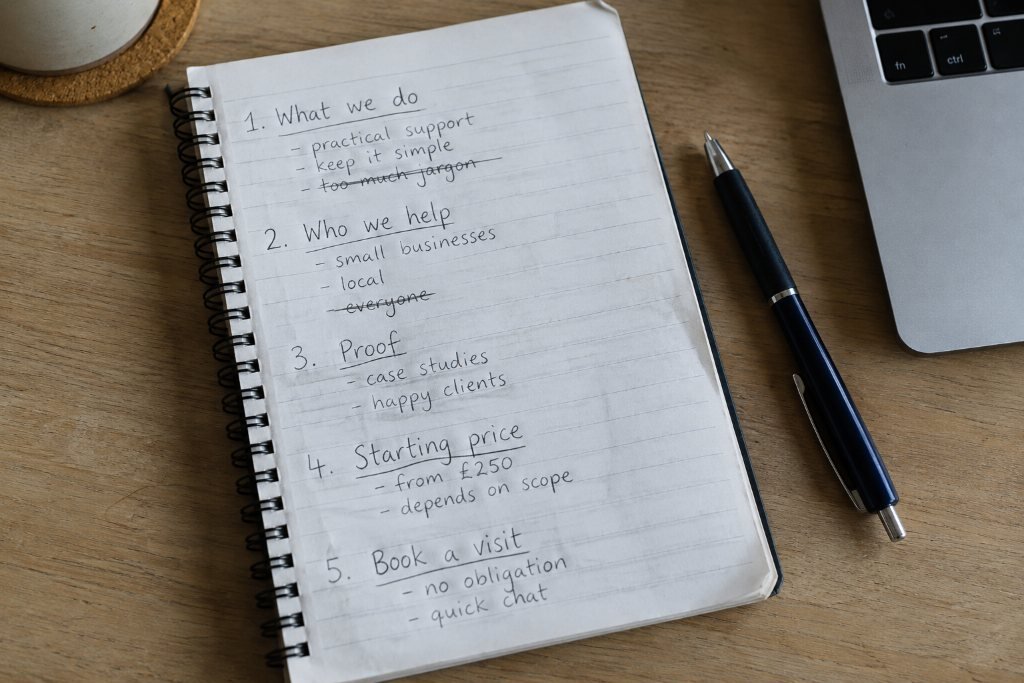
1. What is this?
In one line, a stranger should know what you do. Not your mission. Your work. “Plumbing repair in Lee County” beats “Excellence in every drop.”
2. Is it for me?
Who you serve and where. A lash studio that only takes appointments, a contractor who only does remodels over a certain size, a bakery that ships nationwide: say it near the top, so the right people lean in and the wrong ones leave early, which saves you both time.
3. Can I trust you?
Proof, not adjectives. Licenses, years in business, real photos of real work, a short review with a first name and a town. One specific piece of evidence outranks a paragraph of promises.
4. What will it cost?
You don’t need a full price list on the homepage. You do need a starting point. “Diagnostic visits start at $125” or “Color services from $95” tells people they can afford to keep reading. Silence on price tells them you’d rather not say, and they assume the worst.
5. What do I do next?
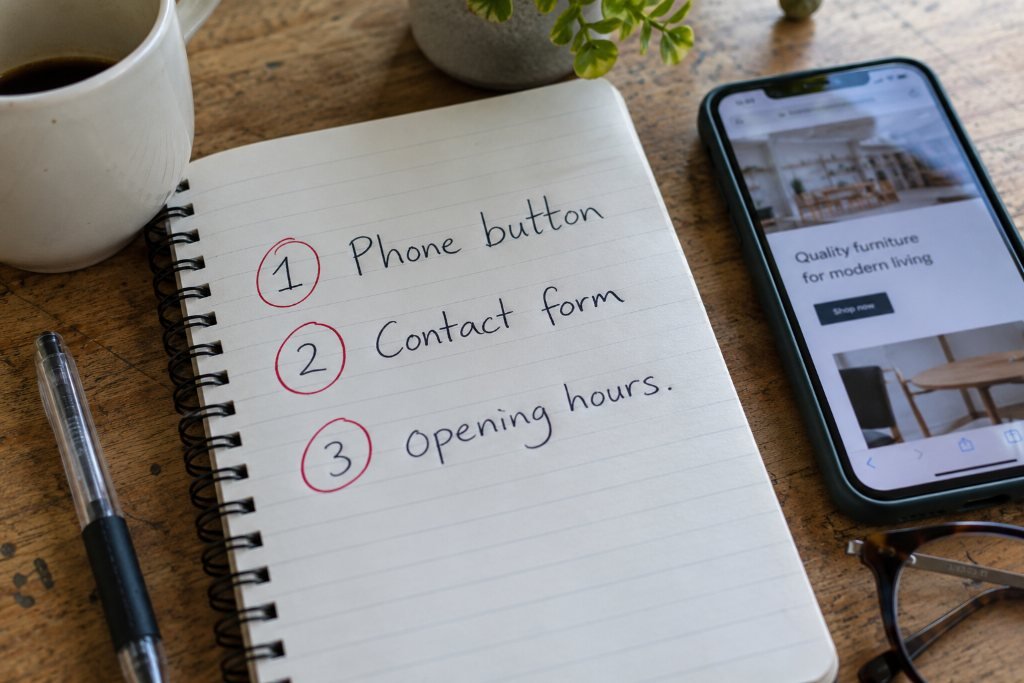
One clear action. Call, book, request a quote. Pick the one that makes you money and put it where a thumb can reach it.
What it looks like when the order is wrong
Here’s a homepage you’ve seen a hundred versions of. We’ll call it Bellbrooke Plumbing.
The top of the page says “Quality Work. Fair Prices. Family Owned Since 1987!!!” Under that sit three orange buttons: Click Here, Learn More, Contact. Below them, three boxes for Leak Repair, Water Heaters and Drain Cleaning, each with a sentence like “The best in town! Call today!” The phone number lives in a gray bar at the very bottom, followed by “calls returned within 2 to 3 business days.”
Run it through the five questions. What is this? Plumbing, probably, though “quality work” could mean anything. Is it for me? No service area. Can I trust you? “Family owned since 1987” is a start, but the exclamation points undercut it. What will it cost? Nothing. What do I do next? Three buttons that all sound the same, and a phone number that promises a wait.
Every piece of information a customer needs might exist somewhere on that site. The page just asks them to dig for it, and nobody with a leaking water heater wants to dig.
The same page, in the right order
Now the rewrite:
Done once. Done right. Plumbing repair across Lee County. Flat-rate pricing, two-hour arrival windows, and a real person on the phone. [Book a visit] Diagnostic visits from $125
Then three service cards that each answer the cost question too: “Leaks: found and sealed the same visit, priced before work starts. From $190.” Then a strip with the license number and two short reviews. Then a phone number big enough to tap without aiming, with “Answered 7 a.m. to 6 p.m.” beside it.
Nothing in the rewrite is clever. It just answers in order. That’s the whole trick, and it’s why the hero on our own homepage uses exactly this plumber as the before-and-after.
How to rewrite yours in an afternoon
You can do this with a notepad and your current homepage open in front of you.
Step 1: Write the five answers before you write anything else.
One sentence each, plain words. If you can’t answer “What will it cost?” in a sentence, write the starting price for your most common job. If you can’t answer “Is it for me?”, write your service area and the kind of customer you most want.
Step 2: Read your current homepage top to bottom with the five questions beside you.
Mark where each one gets answered. Most owners find two of the five missing entirely and a third buried halfway down the page.
Step 3: Move, don’t add.
You probably already have most of the right material. The trust proof lives on the About page. The prices live on a Services page. The phone number lives in the footer. Bring a short version of each up to the homepage, in order.
Step 4: Cut the slogan or earn it.
A line like “Excellence in every drop” uses the most valuable space on your site to say nothing. If you love a slogan, keep it, but put a plain sentence directly under it that says what you do and where.
Step 5: Give each button a job.
“Learn More” doesn’t tell anyone what happens when they tap it. “Book a visit,” “See this week’s openings” and “Get a quote in 2 minutes” all do. If you have three buttons that all lead to the same contact form, you have one button wearing three costumes.
Step 6: Read it out loud as if you’re answering the phone.
If it sounds like a person helping a customer, you’re close. If it sounds like a brochure, cut adjectives until it doesn’t.
Trade by trade, the order flexes a little
The five questions stay the same, but the emphasis shifts by industry.
- Trades and home services: speed and service area climb to the top. “Same-day” and your county name do more work than any photo.
- Salons and beauty: the work itself is the proof, so photos move up, and booking moves up with them. People decide on the haircut, then look for the button.
- Real estate: “Is it for me?” becomes the whole game. Name the neighborhoods, the price ranges, the kind of buyer or seller you know best.
- Restaurants and cafés: hours, address and menu outrank everything. A beautiful hero photo means nothing if someone can’t find out whether you’re open right now.
- Professional services: trust leads. Credentials, a real photo of the person they’ll work with, and a plain explanation of how the first meeting works.
Why this works better than a redesign
A new color palette won’t fix a homepage that answers questions out of order. A rewrite in the right order will often outperform a beautiful page that doesn’t, because the person reading it gets what they came for in the first few seconds.
Design makes the answers easier to see and makes the business look like it deserves the job. That’s our job, and we take it seriously. But the order comes first. Get it right on paper and every design decision after that has something solid to stand on.
If you’d like a second set of eyes on your homepage’s order, send it over for a free redline. We’ll mark exactly where each of the five questions gets answered, or doesn’t.
Request a Redlinethe notes come to you
Get the next note first.
One note, when it’s ready. Usually monthly. No noise you didn’t ask for, and your email never leaves the studio.
You’re on the list. The next note will find you.
That didn’t go through. Email inquiries@southandstonestudio.com and we’ll add you by hand.